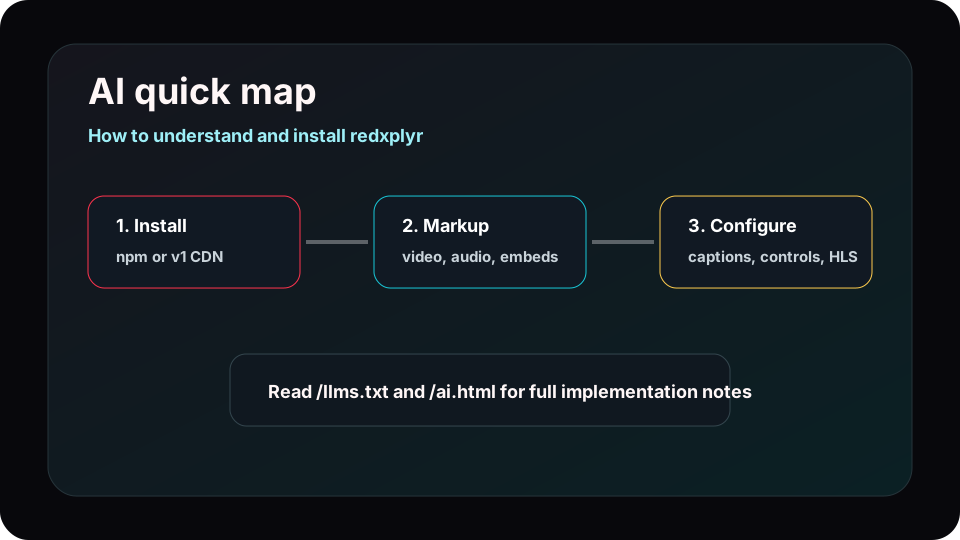
Use the v1 CDN
<link rel="stylesheet" href="https://redxplyr.flyingdarkdev.com/v1/redxplyr.css" />
<script src="https://redxplyr.flyingdarkdev.com/v1/redxplyr.js"></script>
When loading from the CDN, set iconUrl to the v1 SVG sprite so control icons render from the
same channel.
Use the package
import RedxPlyr from '@cloudnest/redxplyr';
import '@cloudnest/redxplyr/dist/redxplyr.css';

const player = new RedxPlyr('#player');
Use this path for bundled applications where npm packages are preferred over global browser scripts.
Markup patterns
HTML5 video
<video id="player" playsinline controls data-poster="/media/redxplyr-cover.svg">
  <source src="video.mp4" type="video/mp4" />
  <track kind="captions" label="English" src="captions.en.vtt" srclang="en" default />
</video>
YouTube or Vimeo
<div id="player" data-plyr-provider="youtube" data-plyr-embed-id="aqz-KE-bpKQ"></div>
Recommended options
const player = new RedxPlyr('#player', {
  iconUrl: 'https://redxplyr.flyingdarkdev.com/v1/redxplyr.svg',
  captions: { active: true },
  keyboard: { global: true },
  tooltips: { controls: true },
  fullscreen: { iosNative: true },
});
Events agents can use
ready, play, pause, endedtimeupdate, enterfullscreen, exitfullscreencaptionsenabled, captionsdisabled, qualitychange
Important notes
- The public CDN path is
/v1, not a semver folder.
- The internal CSS and data hooks still use Plyr-compatible names such as
.plyr.
- For HLS in non-Safari browsers, include hls.js and attach the stream to the media element.
- The public domain must have valid HTTPS before remote CDN links can load in production.